
5-Hexo整合Fluid主题使用utterances评论系统
1. 如何在Hexo Fluid上搭载utterances
1. 1新建repo,设置utterances
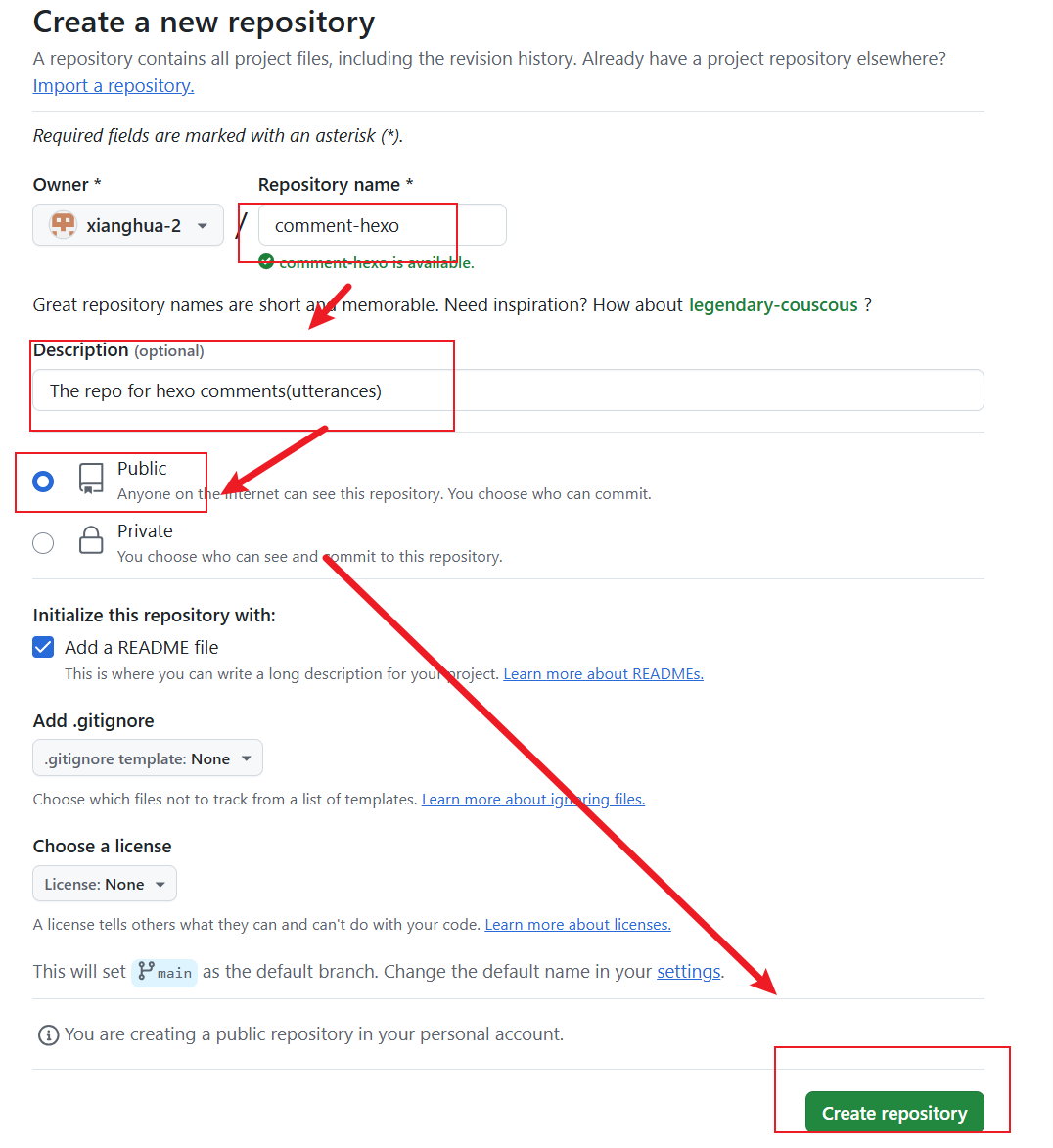
在GitHub上面新建一个public的仓库,名称可以随意
进入 https://github.com/apps/utterances 为刚才新建的仓库安装utterances
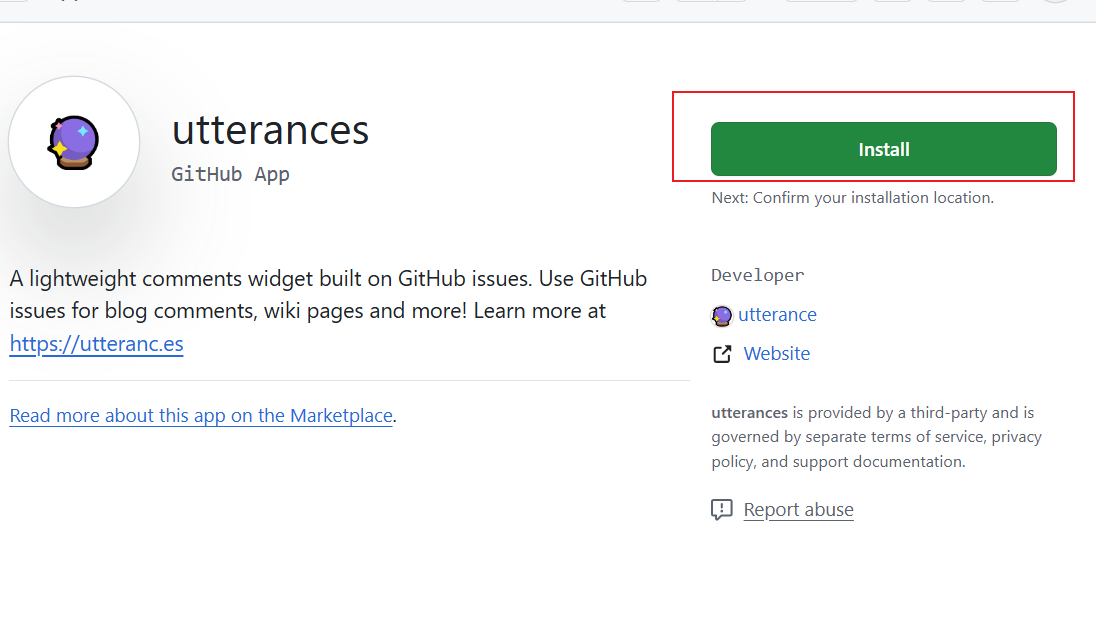
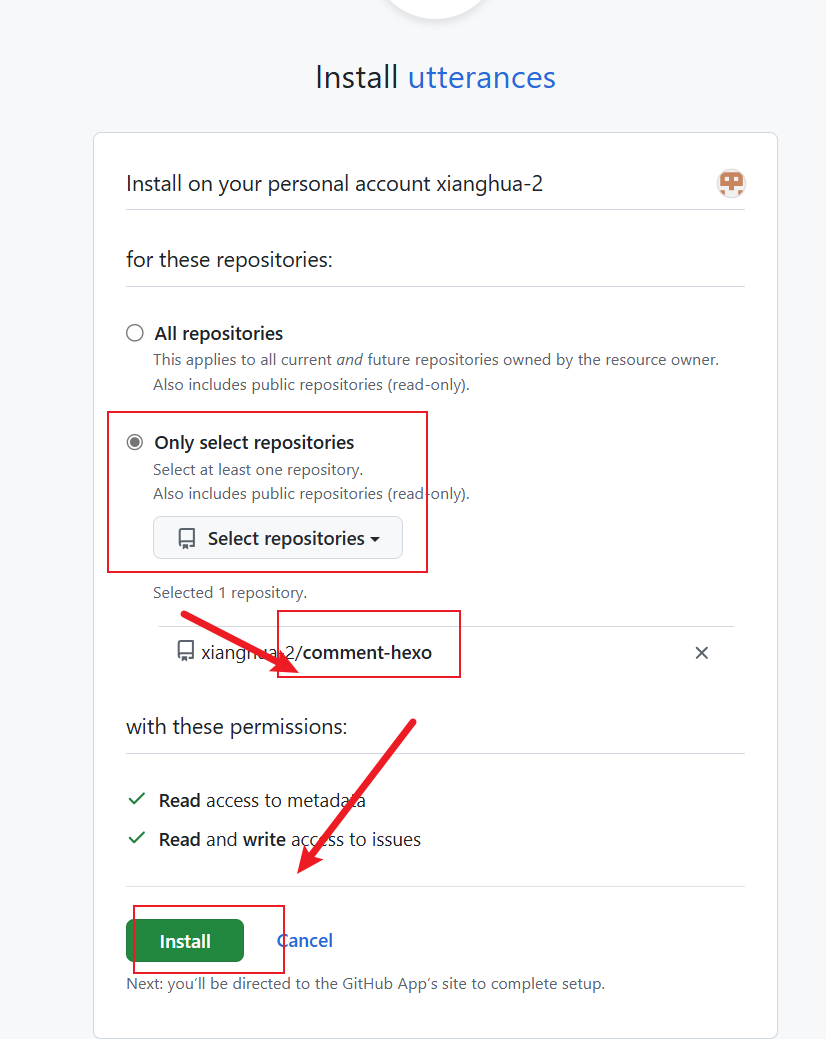
之后在 https://utteranc.es/ 页面中对 utterances 进行设置
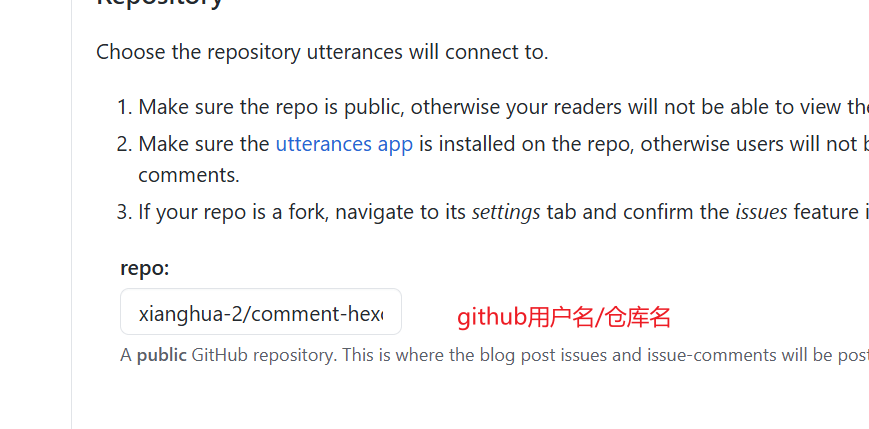
之后就是一些其它的参数,自行按照喜好设置即可:
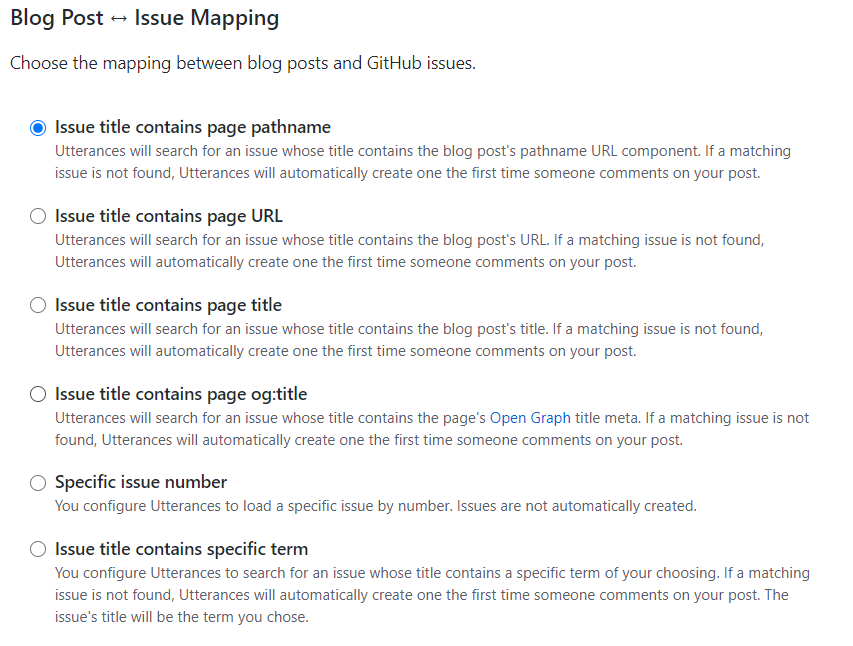
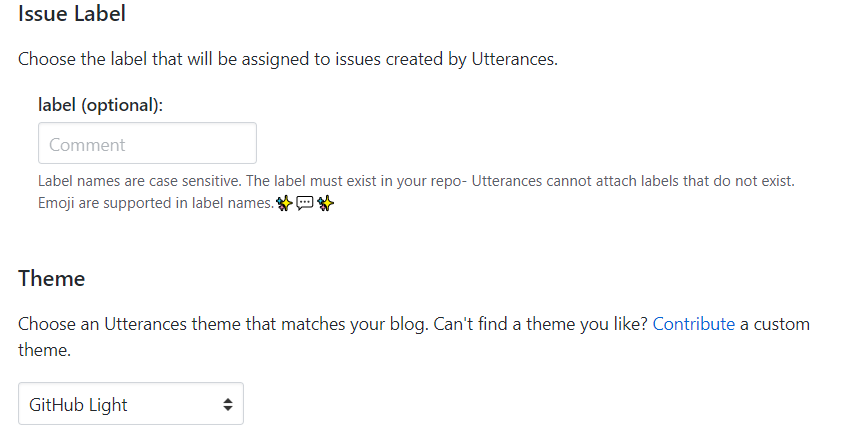
最后我们得到:
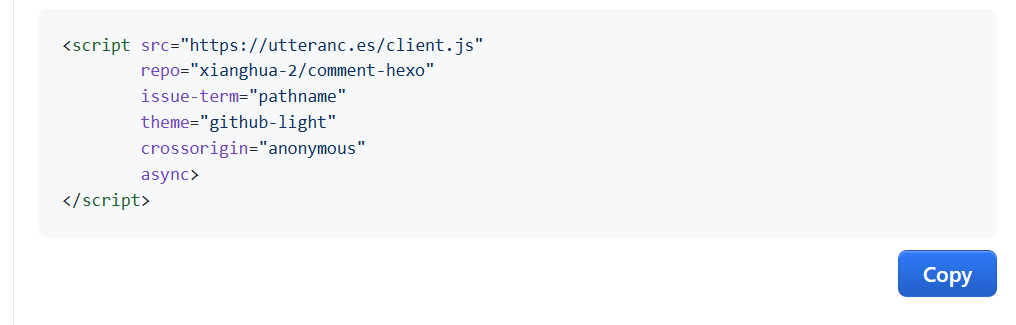
1 | <script src="https://utteranc.es/client.js" |
1.2 修改fluid主题设置
在 _config_fluid.yml 文件中修改相关设置
1 | # post.comments.enable: true |
按照第一步最后得到的配置,继续在_config.yml中修改
1 | # utterances |
至此,hexo clean && hexo g && hexo d 之后就可以成功搭载评论系统了
搭建成功

1.3 相关参考资料
All articles on this blog are licensed under CC BY-NC-SA 4.0 unless otherwise stated.
Comments